Native Mobile App Development: Features, Types, and Uses
Learn how native mobile app development works, including its features, types, benefits, security, and uses for Android and iOS apps.
Introduction
If we take a closer look at the apps used on our phones on a daily basis, we can notice that they include banking apps, cameras, maps apps that find the shortest way back home and maybe some kind of fitness tracker. All of them run smoothly, fast and they seem to be just made to work with our devices. This is not the result of a mere coincidence. Native mobile app development is responsible for such great performance.
In the case of a business app, its type defines pretty much everything - performance, security, cost of maintenance and users' perception the moment they tap the app. In the light of various development types available nowadays, ranging from web apps to cross-platform apps, it might be useful to know the place of native app development in this scheme and why it is still preferred by some big companies.
Let us define native development, discuss different types of mobile apps development, analyze differences between Android and iOS app development and find out some peculiarities and features of native apps.
What Is Native Mobile App Development?
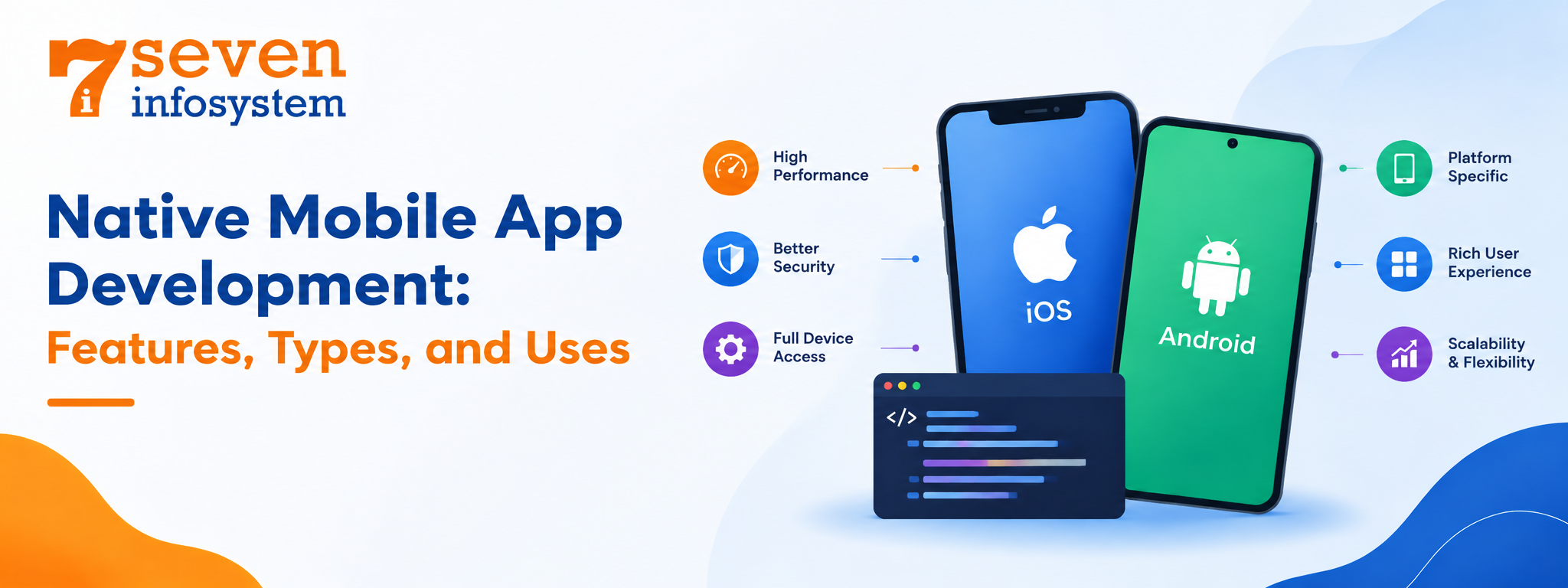
Native mobile app development involves developing a mobile app for a particular mobile platform that utilizes the programming languages, development tools, and frameworks provided by the platform's developers. For example, developing a native Android app requires either Kotlin or Java programming language in Android Studio. In the case of developing an iOS mobile app, you will use either Swift or Objective-C programming language in Xcode.
Since a native app is developed using the platform's programming language, it can interact directly with the mobile device's hardware and operating system. There is no additional translation layer between your code and device components, which makes native mobile apps more responsive and fast compared to other types of mobile apps.
What Is a Native App?
But now we come to the next logical question: what is a native app exactly? As the name says, a native app is a program created to work within the framework of one specific operating system and installed directly into the device through the Google Play Store or the App Store by Apple. The native mobile application works on your smartphone and uses its resources, as well as has an interface typical for the particular OS.
When comparing what is a native mobile app with a website which is opened in your browser, it is necessary to pay attention to the direct connection of a native app with the device and its features.
How Native Apps Work Behind the Scenes
Native mobile applications are converted to code that runs natively on the device. When launched, the operating system loads the application in the same way that it loads any other pre-installed applications. The application utilizes the platform's native user interface, and therefore all button presses, menu selections, and swipe actions work as they are expected to work.
This is the point of native app development: build with the platform not around it. Native application development sticks to each platform’s rules. That means the app can use operating system features right when they come out. You don’t have to wait for another tool or library to update first.
Types of Mobile Applications
It is important to know the basic types of mobile applications and their characteristics before making a decision. There are different mobile application types depending on your preferences, budget, and the audience of your project.
Cross-Platform Apps
Cross-platform applications use mobile app development frameworks such as Flutter or React Native to reuse most of the code base on both Android and iOS platforms. The technology has come a long way since its inception and now provides a good native-like experience. However, applications requiring more advanced animations, hardware access, or the latest OS capabilities would work better as native applications.
Native Apps
This is a software developed specifically for a single platform with the use of the corresponding programming language and technology. Native applications provide the best performance, hardware access, and user experience. However, it should be noted that native apps for Android and iOS require different codebase.
Web Apps
This type of mobile application looks and works like the apps but actually they are just websites working in the mobile browser. Web applications are cheaper and faster to develop but provide limited hardware access and lower performance compared to native applications.
Hybrid Apps
Hybrid apps are built using web technologies like HTML, CSS and JavaScript. These apps are then wrapped inside a container so they can be submitted to app stores. The main advantage is that you only need one codebase to support platforms.. When the app gets more complex or requires heavy graphics performance can start to drop.
Progressive Web Apps (PWAs)
PWA is basically a web application with a couple of extra features, including offline storage and possibility of home screen installation. This approach works great for content-oriented companies, but it has some limitations on other platforms, specifically iOS.
Native Android App Development vs Native iOS App Development
There is almost no phone today that doesn't run on Android and iOS at the same time, although their architectures vary significantly. It will be helpful to understand their nature for your project planning.
Native Android App Development
In case of native Android apps development, the programming languages of choice will be Kotlin (Google's official recommendation) and Java (popular in legacy projects). Android applications are developed in Android Studio using Jetpack Compose (Google's interface creation toolkit).
There are thousands of devices from various brands that run Android. And it provides enormous possibilities to target such a wide global market, but at the same time requires much more testing because Android can differ in hardware and operating systems. Good Android app development services test their apps on many different devices to achieve the consistency of the look and behavior of the product.
Native iOS App Development
In native iOS application development, Swift is used as the latest programming language alongside Xcode and frameworks, such as SwiftUI and UIKit. Since there is control over both the hardware and software in iOS, fewer variations of the devices are encountered by the developers.
Another issue with iOS application development is the strict rules concerning the App Store review process. While this may take a bit more time before the release of an app, it guarantees the good quality of the product. Moreover, iPhone owners pay more for their apps in many countries, making iOS interesting to those companies which have subscription-based revenue models or in-app purchases.
Which Platform Should You Start With?
It is necessary to consider what kind of audience your app will target. If it is worldwide or it will be mostly used in regions, where Android dominates, you should consider starting with Android. But if the main region of your interest is, for example, the United States, UK, Japan and others, where iPhones prevail, then iOS may be chosen first.
Key Native Mobile App Features
But what is the actual difference? Here is a list of features that make the native mobile apps stand out.
Fast, Smooth Performance
The code is executed by the CPU, which means there won’t be any delays when loading the app or when using animations, scrolling, and other processes requiring intensive calculations. This is particularly relevant when working with gaming and photo/video editors.
Full Access to Device Hardware
There’s nothing that developers couldn’t get into the app. The camera, the microphone, GPS and accelerometer sensors, biometric security systems, NFC, and Bluetooth capabilities will help build tap-to-pay, augmented reality functionality, or advanced fitness tracking.
Offline Functionality
In many cases, the data is stored on the device, which gives the ability to continue working even without an Internet connection. Note-takers, music players, and offline maps are some of the most common examples.
A Familiar User Experience
Native apps comply with the design guidelines of each individual platform, that is Material Design on Android and Apple's Human Interface Guidelines on iOS. It means that there will be no need to adopt new behavior patterns, as the application will feel just right.
Reliable Notifications and Background Tasks
Notifications and background processes that do not drain device batteries for nothing are one of the advantages of native apps.
Early Access to New OS Features
Once Apple or Google release some new feature – be it new widgets, on-device AI capabilities, or enhanced privacy protection – native developers are free to utilize it.
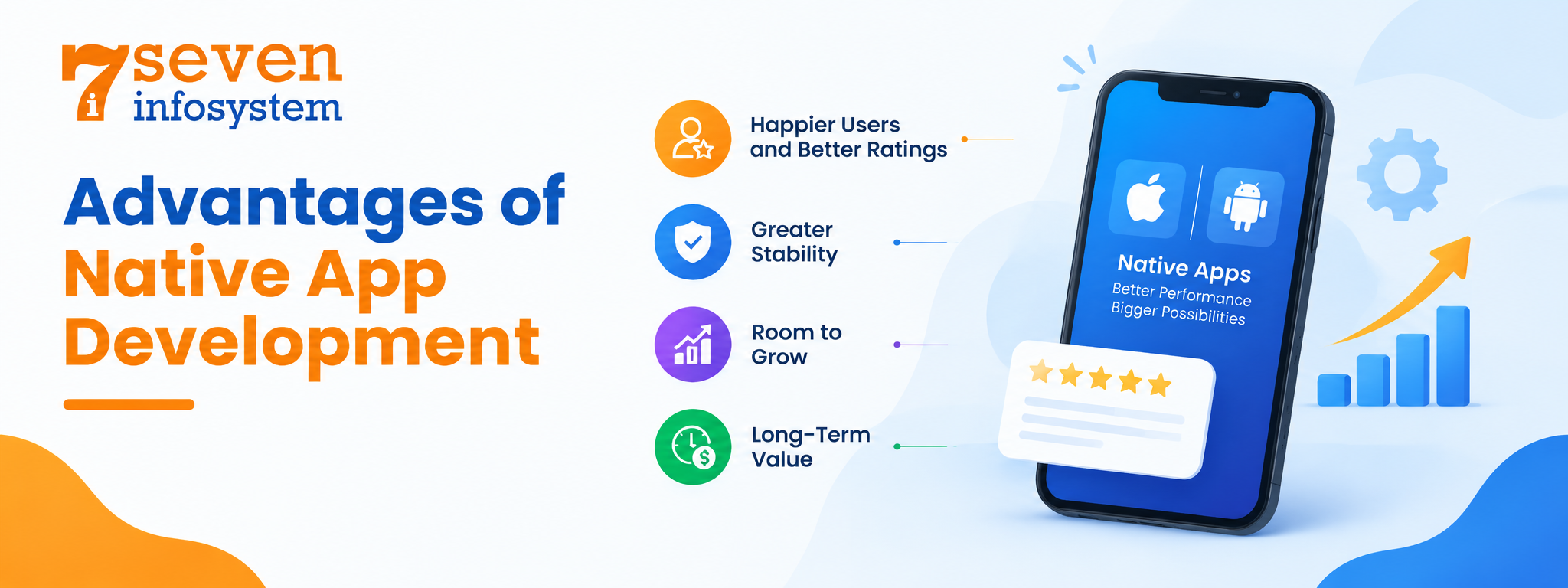
Advantages of Native App Development
Beyond the features themselves Native App Development delivers business benefits. These are the advantages of Native App Development that companies often mention.
Happier Users and Better Ratings
Speed and smoothness directly influence reviews. Native App Development that responds instantly usually earns ratings. Higher ratings help new users find the app, in the app stores.
Greater Stability
Native App Development usually crashes often because Native App Development is built with official tools and tested against the platform's own standards. Fewer crashes result in frustrated users and fewer support tickets.
Room to Grow
With the growth of your business and addition of more features, the native application with a properly developed code will cope with all challenges without the necessity of rewriting.
Long-Term Value
Development with the use of the native technology may be more expensive, especially considering the need for developing two applications separately. However, over time the lack of performance issues, ease of maintenance, and higher rates of user retention may compensate for the initial expenses.
On the other hand, it would be unfair not to talk about the cons of using the native development technologies. Two different platforms require two different code bases and two groups of experts. In case of a simple application with limited budget, a cross-platform development strategy may be more appropriate.
Native App Security
Security is one of the reasons businesses choose to build native apps. I personally find that native app security gains directly from the protections that each operating system already provides.
Built-In Platform Protections
Both Android and iOS have secure data storage options, including Android Keystore and Keychain on Apple. These features can be used in the course of creating a native application.
Strong, Simple Authentication
It is easy to implement biometric authentication in a native application. This means users can log in via their fingerprint or face scan, which is both convenient and secure.
Data Encryption
In a native application, developers have the opportunity to encrypt not only data stored on the smartphone but also the data exchanged between applications and servers, using encryption libraries.
Faster Security Fixes
Regular security updates from Apple and Google help protect users' data privacy security by fixing known operating system vulnerabilities. Native apps can use built-in security features to protect sensitive information, but developers must also implement data encryption, secure authentication, and regular app updates to keep user data safe.
This is why banks, healthcare providers and fintech companies often choose apps. When you are handling payments or medical records every layer of protection counts. So no app is secure, by default. Careful coding, regular testing and a protected backend are still essential.
Native Mobile App Examples
Real examples of native mobile applications example what benefits one may expect from this approach. Most popular applications in the world are created using native programming languages and technologies, at least for those aspects of their functionality where high speed and direct hardware control are essential.
WhatsApp employs native code to offer rapid messaging, voice and video calls and quick transfer of various media files.
Spotify requires the use of native components for offline listening, background playing and fast streaming of music.
GPS and sensors of users' devices have to be controlled directly to provide the best navigation experience by Google Maps and Waze.
Biometric login and on-device encryption are typical examples of native security features that are utilized by bank apps.
Pre-installed applications included in all smartphones, such as Camera, Photos, Messages, Settings, etc., are native by their nature.
One thing that unites all these applications is their high level of responsiveness and reliability, which are necessary because of frequent usage of apps multiple times a day.
Uses of Native Mobile App Development Across Industries
There is no industry where native apps cannot be used, although they tend to be especially beneficial where performance, security, or hardware usage is essential. Let’s have a look at the ways mobile app development for business utilizes native solutions.
Banking and Fintech
Authentication, security, quick transactions, and account information updates – all of these features are easily provided by native apps.
Healthcare
From patient apps and telemedicine solutions to connection to various healthcare devices via Bluetooth – all these use native apps because of their secure nature.
E-commerce and Retail
Quick product navigation, barcode scanning, one-click purchasing, and sending special offers using push notifications will make clients more loyal to your company.
Gaming and Entertainment
Frame rate, rich graphics, and high-speed video are possible only if you maximize the performance of your device's processor.
Travel, Delivery, and Logistics
GPS-based navigation, routes calculations, and storing information about the ticket or delivery while being offline is done easily thanks to native apps.
Education
Learning apps use offline lessons, interactive content, and reminders to keep students on track, even when they don't have a connection.
How to Choose Native Mobile App Development Services
When there’s no internal development team, partnering with someone else is usually the quickest route to market. These are the criteria to use when evaluating native mobile app development services.
Proven Experience on Both Platforms
Request to see applications created by the team for both Android and iOS. The presence of a portfolio with active apps in the app stores speaks for itself much louder than a sales pitch.
A Clear Grasp of Your Business
The best developers always ask many questions related to your potential users, business objectives, and monetization model before even mentioning technology. The app is first of all a business tool, and then a technical one.
A Transparent Process
Find a development team that clearly describes their process of working with an application, from discovery to development, testing, and delivery, as well as provides regular demos.
Security and Quality Testing
They should have secure coding policies and do quality testing on real devices, not on the simulators only.
Support After Launch
Operating systems change every year. Users will ask for features. Choose a partner who offers support, bug fixes and regular updates. This keeps your app running long after the launch.
Conclusion
Development in native continues to be one of the most reliable approaches to create an application which will not only be fast, but also safe and user-friendly. Being created in accordance with the specifics of every platform, such applications provide access to hardware and guarantee good performance and fast adaptation to all new features of operating systems.
It won't be useful in some cases when you have to develop an inexpensive and easy-to-use application. In all other cases when your application will process sensitive information or requires specific hardware capabilities – it is worth considering this approach.
First, you should determine what kind of audience your app will have. You should know the locations and devices used by them. Only after that you can choose the right platform.
FAQs
1. Is native development better than cross-platform development?
Native usually offers better performance, security, and hardware access. Cross-platform can be faster and cheaper for simpler apps that don't need deep device features.
2. Which programming languages are used for native apps?
Android apps are mostly built with Kotlin or Java, while iOS apps are built with Swift or, in older projects, Objective-C.
3. Can a native app work without an internet connection?
Yes. Many native apps store data on the device, so key features keep working offline and sync once the connection returns.
4. Is building a native app expensive?
It can cost more upfront, especially for two platforms, but better stability and lower maintenance often make it cost-effective over time.
5. How long does it take to build a native mobile app?
A simple app may take around two to four months, while a complex app with many features can take six months or more.