Flutter vs React Native: Choosing the Right Framework for App Development
Compare Flutter vs React Native to understand performance, features, costs, and benefits before choosing the right framework for app development.
Introduction
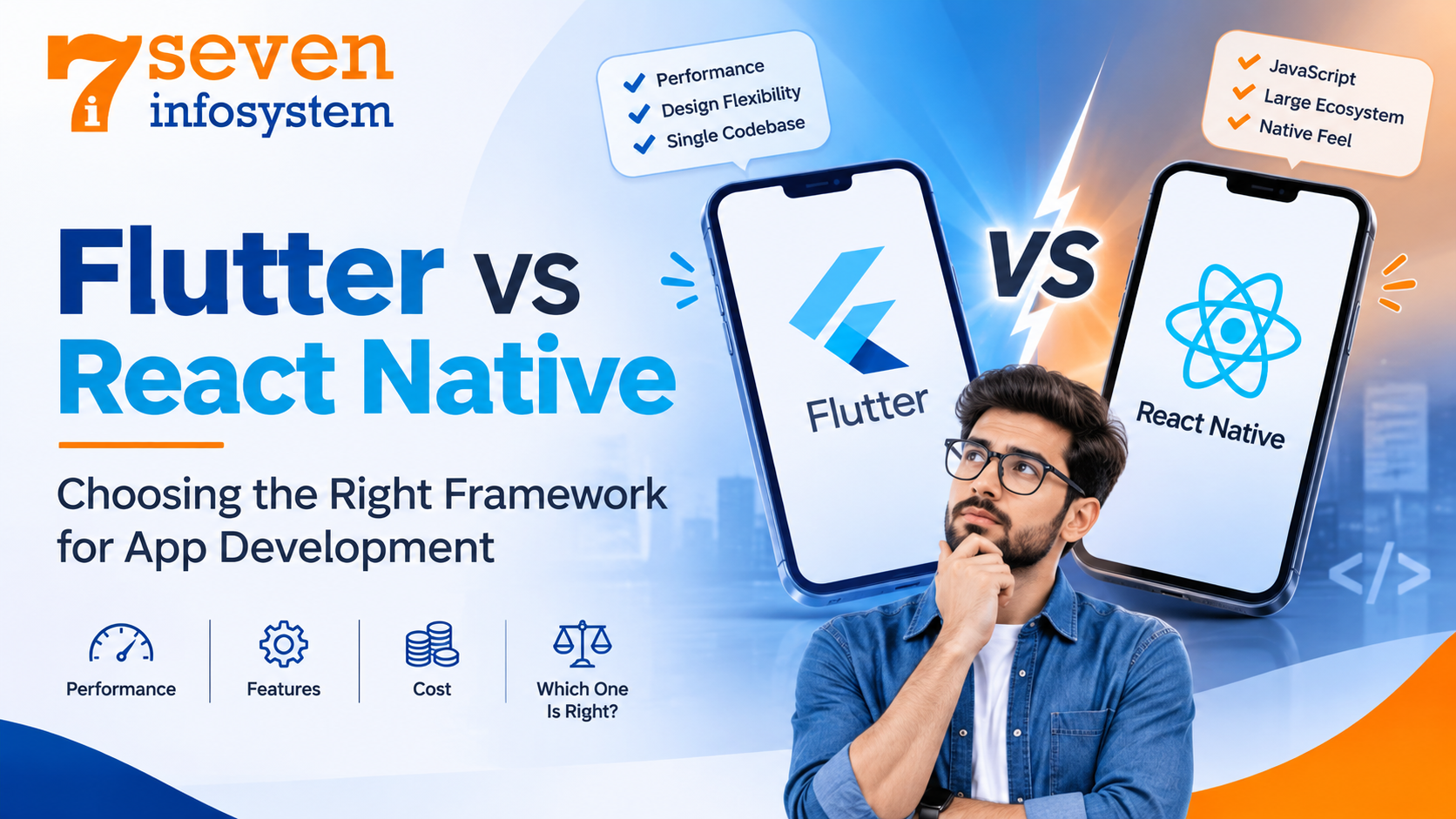
Every app idea eventually faces the same turning point. You have something specific you want to create, you already know how much money you will spend on it, and you would like to get this application on both Android and iPhone platforms without hiring two different teams for that purpose. This exact point is where the Flutter vs React Native dilemma appears.
Both platforms offer the same benefits to users: they can write the code once and deploy it Cross-Platform App Development. They are both backed up by technology companies, both run applications that serve millions of users, and they have huge communities that will try their best to prove that their platform is the only solution to all your problems. In reality, things are not as black-and-white as that. Different frameworks fit different cases and the choice is to be made depending on many aspects.
This guide will show you how Flutter vs React Native work, what performance characteristics they have, what price it takes to use each of them and when it's better to choose one or another framework for developing an application.
What Is Cross-Platform App Development?
To start with, let’s look at the problem they are solving. Traditionally, developing a mobile application included writing the application once for iOS using Swift or Objective-C and once again for Android using Kotlin or Java. The result was duplication of efforts – two separate teams, two rounds of testing, and increased maintenance costs.
Cross-platform mobile application development addresses this problem. In this approach, the application is developed once and can be run on all targeted platforms. Moreover, many frameworks go far beyond mobile application development, covering the web and desktop platforms as well.
The reasons why this approach became popular are clear. Startups have faster go-to-market time, enterprises save on maintenance costs, and customers get consistent performance regardless of their device. That is why cross-platform mobile application development has become a popular technique, and that is why Flutter and React Native take the leading positions on any list of mobile app development frameworks.
An Overview of Flutter
What Is Flutter?
Flutter is an open‑source toolkit for building user interfaces, created by Google. It first reached a release in late 2018 and it has grown fast ever since. As a Flutter app development framework Flutter allows developers to build apps for Android, iOS the web, Windows, macOS and Linux, from a single codebase.
Flutter stands out due to the way it paints the screen. Unlike the approach where the developers utilize native elements of the UI to render pixels on the screen, Flutter uses its own graphics engine to draw every pixel. All the elements including buttons, text, animations, and layout painting are done by Flutter.
The Dart Programming Language
Flutter programming language is Dart, created by Google as well. Dart is what people notice first of all since not so many have had experience with it before Flutter.
The positive aspect about Dart programming language is that it is quite easy to learn. If you are familiar with Java, C#, JavaScript or Kotlin, you'll see the resemblance immediately after learning. The language allows strong typing and null safety which helps detect errors early. Besides, Dart compiles ahead of time into native machine code for production, at the same time providing instant "hot reload" for development which displays the results on the screen immediately.
Why Teams Choose Flutter
Those who choose to develop their app with Flutter always give some common reasons:
Pixel-perfect design control. Since Flutter renders its own UI, your app looks absolutely the same on a cheap Android device and an iPhone.
A rich widget library. Flutter provides developers with a great number of widgets following Material Design (Android) and Cupertino (iOS) guidelines.
Smooth animations. Transitions and heavy use of motion design suit Flutter naturally.
One codebase, many screens. Development for mobile, web and desktop platforms is done with one codebase.
An Overview of React Native
What Is React Native?
React Native is an open-source library, developed by Meta (Facebook until June 2021). The React Native framework allows for developing mobile apps by means of JavaScript or TypeScript programming languages, using the famous React library that millions of web developers have learned.
In contrast to Flutter, React Native does not draw its own interface. Instead, it maps the user code to real native UI components. If a developer creates a button in React Native, the user will see a real button of the iOS or Android operating system.
React Native Components
The main building block of the framework is a React Native component. These include such common components as View, Text, Image, ScrollView, etc., which are mapped to their native counterparts on every platform. Developers assemble these small components into larger screens just like they do when creating websites with React.
This way of working with components makes the code easy to organize and reuse. A login form, a product card or a profile header can be built once. Used anywhere. That saves time. Keeps the code clean.
Why Teams Choose React Native
The advantages cited by companies investing in React Native application development include:
JavaScript everywhere. If you are already developing web applications in React, then the learning curve is minimal.
A huge ecosystem. The npm registry has thousands of modules available for payment processing, maps, analytics, and more.
Native look by default. Your applications will automatically take on the platform-specific style.
Code sharing with the web. In some cases, the business logic code may be shared with the React website.
Over-the-air updates. There are tools available in the ecosystem that allow teams to make some JavaScript changes to their apps without going through the app store approval process.
Flutter vs React Native: A Head-to-Head Comparison
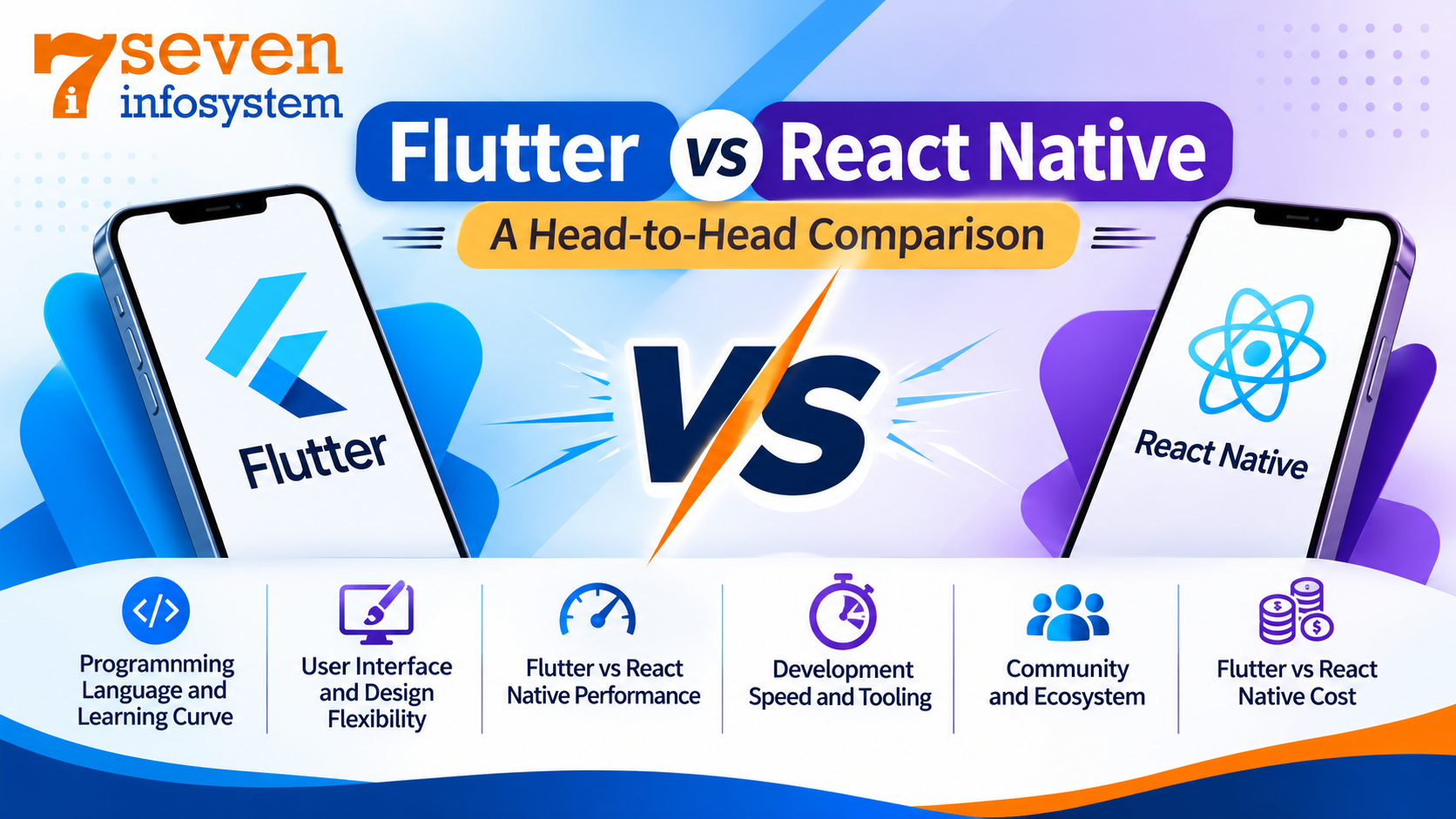
Finally, the main event everybody wanted to read about. Let us pit both frameworks against each other based on the most crucial aspects to consider when developing your app.
Programming Language and Learning Curve
React Native relies on JavaScript and TypeScript, two of the most popular programming languages in the world. The advantage here is obvious – for organizations that have web developers on board, they will immediately get up to speed without issues.
Flutter, however, requires developers to learn the Dart language. This may seem like an additional obstacle, yet in fact, most developers adapt very quickly to it. Furthermore, the documentation of Flutter is very organized. Yet, from the perspective of recruiting developers, the greater number of them proficient in JavaScript favors React Native.
User Interface and Design Flexibility
In this case, Flutter provides nearly total freedom. Since the framework renders everything by itself, the Mobile App Interface Design will look the same everywhere. Hence, it is popular among applications with a well-developed brand.
On the other hand, React Native heavily relies on native components, hence, the application will fit in perfectly on any platform. However, creating a design which is exactly the same on both iOS and Android requires some effort because there will be some natural differences in native components.
It may be explained like that: in Flutter, the developer paints the picture from scratch, but in React Native, he just arranges furniture, which is provided by the operating system.
Flutter vs React Native Performance
Another aspect that people like to compare is Flutter vs React Native performance; it has changed quite significantly over time.
Flutter is compiled into native code and renders itself using the Impeller engine, the default renderer on iOS and new Androids. This gives Flutter great performance, especially when it comes to apps with lots of animations, custom graphics, and transitions.
React Native used to use a "bridge" for communicating with the native part using JavaScript; this created some performance issues in case of difficult tasks. Things have changed, however. New Architecture, which became the default in late 2024, got rid of the bridge problem, adding new features to the framework and providing a new system for rendering views. With the new Hermes JavaScript engine, the apps made with React Native become much faster than before.
Which one is faster? In most cases, such as apps for everyday business, like ecommerce sites, booking apps, or media applications, you won't notice any difference. Flutter is better at working with graphics-heavy apps, while React Native does excellent work with form/list style interfaces.
Development Speed and Tooling
Both frameworks have hot reload, which allows the developer to observe all changes instantly without stopping the application. It saves a lot of time when working.
The great thing about Flutter is the presence of the entire development toolkit, which includes its testing library and DevTools. Moreover, React Native has evolved greatly too, and nowadays Expo becomes the primary choice for starting any project.
Community and Ecosystem
React Native has been longer and draws from the vast JavaScript ecosystem. If you need a tool or library for any task there’s a good chance it already exists.
Flutter’s community has expanded quickly. Its package repository, pub.dev now includes tens of thousands of packages. Google also maintains many of the core packages. Both communities are engaged, supportive and backed by company support.
Flutter vs React Native Cost
When businesses compare Flutter vs React cost they usually focus on three areas: development time, hiring and maintenance.
Development time. Both frameworks save money compared to creating two native apps. Flutter’s built-in widgets help teams move faster on projects that focus heavily on UI. React Native can speed things up when the team already knows React and can reuse existing code.
Hiring. JavaScript developers are more common which can make it easier and cheaper to build a React team. Flutter developers are becoming more available. In some areas the talent pool is still smaller.
Maintenance. A single codebase reduces long-term costs in both cases. Flutter’s consistent look and feel across platforms can lead to platform-specific bugs. React Native depends on third-party libraries, which may require extra effort when those libraries are updated or changed.
In short, neither framework is always cheaper. The cheaper choice is usually the one that fits the skills your team already has.
When Should You Choose Flutter?
The right choice will be made with Flutter when:
There are custom UI/UX design processes, complex animations, or branded graphics used by your application.
You have a requirement for consistent design across all devices without any platform-specific features.
You expect a gradual transition to web/desktop apps from a single source.
Your application is a greenfield project and you don’t have a dependency on JavaScript.
There is an urgent need for an MVP with well-polished user interface and reduced external dependencies.
When Should You Choose React Native?
React Native should be chosen in the cases when:
Your development team uses React/JavaScript.
Consistency with native applications on a specific platform is required.
Your application needs shared code between web and mobile apps.
You need multiple third party integrations.
Quick staffing and large communities are crucial.
Flutter vs React Native: Which Is the Best Framework for Mobile App Development?
There is no perfect framework for every mobile application development project. Instead, the best framework depends on your specific business needs, goals, and requirements.
For example, if you want to build a design-driven consumer application, a fintech dashboard with unique charts, or a product that requires consistent branding, Flutter is an excellent choice. Moreover, Flutter gives developers greater control over UI design and animations.
However, if your company already uses a React-based web platform, React Native may be a better option. It offers a familiar development environment, supports native-looking interfaces, and provides access to a large pool of experienced JavaScript developers. Therefore, choose the framework that best matches your team's skills, project requirements, and long-term business goals.
A few questions can guide the decision:
What skills does your team already have? Starting from existing know-how makes the process quicker and more cost-effective.
How custom is your design? The more custom the interface is, the more likely you'll want to use Flutter.
Do you need web and desktop versions? Flutter has more advantages in terms of multi-platform development.
How many third-party services will you integrate? If many, then React Native beats in this area.
What's your long-term roadmap? Think about who will work on the project in a couple of years.
It's also worth remembering that both frameworks are mature, well funded, and used by major companies worldwide. You're not choosing between a safe option and a risky one. You're choosing between two capable tools with different strengths.
The Bigger Picture: Mobile App Development Solutions
But Flutter and React Native are just two players among many mobile applications development platforms. Native development using Swift or Kotlin may be preferable in cases when an app requires direct interaction with hardware components or high performance like in case of games and AR apps. Kotlin Multiplatform can be a useful choice when a company wants to share its business logic and develop native user interfaces.
It would be fair to say that the best mobile application development solutions should always depend on your business goals, not on technologies. Your development partner will start talking with you about users, budget, deadlines, and development goals before suggesting some technology for your project.
Conclusion
The debate between Flutter and React Native may never produce one clear winner. However, that is a good thing because both frameworks help developers build high-quality applications without doubling development costs.
Flutter gives developers greater design freedom, excellent performance, and a unified codebase for mobile, web, and desktop applications. On the other hand, React Native offers familiar programming languages, a vast ecosystem, and a native user experience across different devices. Moreover, both frameworks help businesses develop reliable applications while saving time and resources.
Ultimately, your team's skills, design preferences, and long-term business goals should guide your decision. For example, Flutter works well for custom designs and graphics-rich applications, while React Native suits teams that already use JavaScript and React. Therefore, evaluate your project requirements carefully before selecting a framework. Finally, with the right technology and development team, you can use either framework to build a stable, scalable, and successful mobile application.
FAQs
1. Is Flutter better than React Native?
Neither is better in every case. Flutter suits custom, animation-heavy apps, while React Native suits teams that already use JavaScript and want a native feel.
2. Which framework offers better performance?
Flutter usually has a slight edge in graphics-heavy apps, but React Native's New Architecture has closed much of the gap for typical business apps.
3. Is Dart hard to learn for beginners?
Not really. Dart has a clean, familiar syntax, and most developers with any programming background become comfortable with it within a few weeks.
4. Which is cheaper for app development?
Both cost less than building two native apps. The more affordable option is usually the one that fits your team's existing skills.
5. Can I use Flutter or React Native for web and desktop apps?
Flutter officially supports web and desktop from one codebase. React Native focuses on mobile, though community projects extend it to web and desktop.