Monolithic Architecture Explained: Benefits, Challenges and Use Cases
Understand Monolithic Architecture, its benefits, challenges, examples, and practical use cases to choose the right software architecture for your project.
Introduction
Every application you use, whether it is a banking portal or a food delivery service, follows an important design decision that most people never notice. Before writing any functionality, developers should understand the Software Development Life Cycle and decide how different software components will work together. This decision directly affects development speed, scalability, product performance, and troubleshooting.
Traditionally, developers followed a straightforward approach: they built the entire application as one unified system. This approach is known as Monolithic Architecture, and many development teams still use it for modern applications. However, microservices and cloud-native solutions have gained popularity in recent years. As a result, businesses and developers often question whether monolithic architecture remains relevant.
The answer depends on your project's requirements, your team's experience, and your long-term business goals. For example, a small application with closely connected features may benefit from a monolithic structure. On the other hand, a large platform with independently managed services may need a different approach.
In this guide, we will explain how Monolithic Architecture works, explore its advantages and challenges, and identify situations where it makes sense. Additionally, we will compare monolithic and microservices architecture and examine real-world examples to help you understand which approach suits your project.
What Is Monolithic Architecture?
Have you ever wondered what Monolithic Architecture means? Imagine an office building where every department operates under one roof. If the building needs repairs, however, all departments may experience inconvenience.
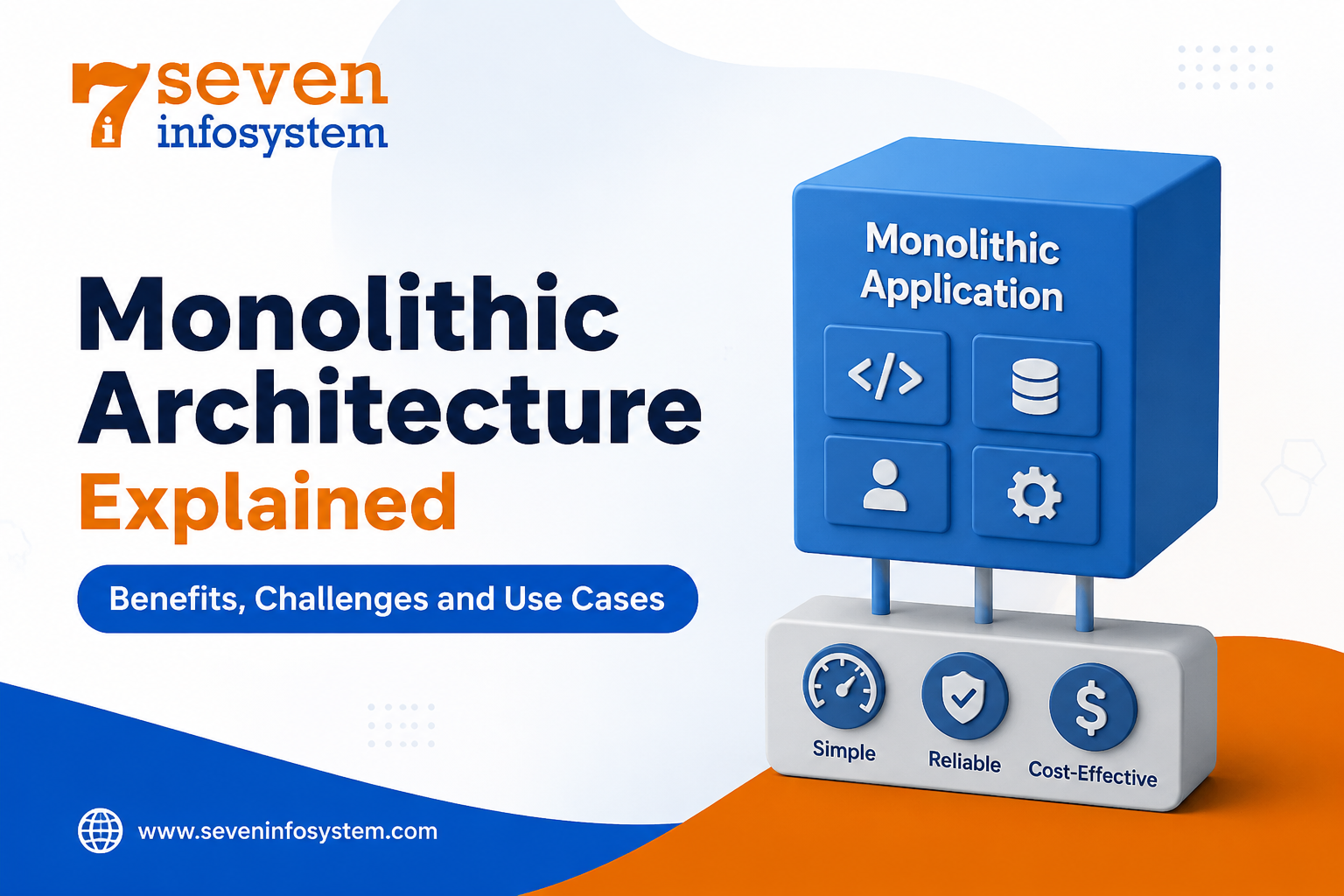
Similarly, in software development, a monolithic application uses a single codebase and deployment unit. It combines the business logic, data access layer, and user interface within one application. These components share the same process and typically connect to a single database. As a result, developers must rebuild and redeploy the entire application whenever they make changes to its features.
Moreover, Monolithic Software Architecture follows an all-in-one approach because it keeps every application component within one unified structure rather than separating them into independent services. This approach can simplify initial development; however, it may create challenges when the application grows or requires frequent updates.
How a Monolithic Application Works
Let’s take an online store as a simple example. First, a customer browses products and adds items to the shopping cart. Next, the cart module communicates with the payment module to process the order. Once the payment succeeds, the notification module sends a confirmation email to the customer.
In a Monolithic Application Architecture, different modules handle each step within a single application. For example, the product catalog module communicates directly with the cart module. Similarly, the cart module connects with the payment module, which then triggers the notification module. These interactions use straightforward function calls within the same application.
Because all operations run within a single process, modules communicate quickly without unnecessary network delays. As a result, developers can easily trace function calls, understand workflows, and manage communication between different parts of the application.
Core Layers of a Monolithic System
Most of the monoliths implement a layered architecture. This helps to keep the code structured despite the packaging of all the code into one deployment:
Presentation layer: the user screens/pages or API endpoints which interact with the system.
Business logic layer: the logic that defines how the application operates – pricing, discount rules, and user access.
Data access layer: the code which reads and writes from/into the database.
Database: there is only one single database for all the application data.
Well-Designed Monolithic System Architecture separates all the layers mentioned, so any changes made to the presentation layer do not affect data persistence.
Where the Monolith Came From
Prior to the rise of affordable cloud computing technologies, most organizations had to run their applications on several physical servers. It was not possible to develop and manage a number of separate small services. Developers would create one application, deploy it on the server, and once it started generating more traffic, they would get a larger server.
That was how the monolith became the cornerstone of Traditional Software Architecture and influenced modern approaches to Software Product Development. The first enterprise-level systems, desktop apps, and early web applications were almost entirely based on the monolithic architecture. Frameworks like Ruby on Rails, Django, Laravel, and Spring have been created to work with one coherent application and are making it incredibly fast to turn a concept into reality.
To date, the monolith still stands among the most popular Software Architecture Patterns together with layered, event-driven, microservices, and serverless architectures.
Monolithic Architecture Advantages and Disadvantages
Each design comes with pros and cons. Comparing Monolithic Architecture Pros and Cons will allow you to choose the design according to your actual needs, not according to what everyone is doing these days.
Key Benefits
Faster to build and launch: With one code base, one build process, and one deployment process, a small team moves fast. No need to implement a service discovery, API gateways, and complex messengers from the very beginning.
Simpler development and testing: All developers can run the whole application on their laptop. The end-to-end testing process is simplified as all features of the app are in one place, and the debugging process becomes easier since you can track one request all along one process.
Better performance for internal calls: Communication between modules happens using in-memory function calls rather than network calls. It eliminates delays of network requests and any possibility of failure during network communication between two services.
Easier deployment and rollback: Deployment process requires one file or one container. Rollback is not complicated as well as deployment - you only have to restore the previous version of the app.
Lower running costs: Fewer pieces require fewer servers, less monitoring and thus - a lighter DevOps process. It is important for small and medium companies which try to keep the cost of infrastructure low.
Reliable data consistency: Having one database guarantees data consistency in cases when a transaction involves several features at once. One avoids the problem of synchronization of data across multiple services.
Common Challenges
Scaling everything for one busy feature: When only the search part gets lots of traffic you still must scale the application. That means buying servers and spending more money than the single feature actually requires.
Slower releases as the code grows: Even a tiny fix forces a rebuild and redeploy of everything. When the codebase grows to hundreds of thousands of lines building and running tests can take a long time.
Tight coupling over time: Without discipline modules begin to depend on each other in ways. A change in one area can trigger bugs elsewhere and developers often call this a "big ball of mud.”
Limited technology choices: The whole application usually stays in one language and one framework. Adding a tool just for one feature becomes very difficult.
A single point of failure: A memory leak or crash in one module can bring down the system, not just the part that misbehaved.
Team bottlenecks: Merge requests and code review will take time, while discussions about changes in architecture and synchronization will also become necessary.
Most of these problems don't show up at the start. They grow along with the product and the team, which is why many companies launch with a monolith and only rethink their approach years later.
Monolithic vs Microservices Architecture
Monolithic Architecture vs Microservices Architecture is a very popular topic among the modern topics for discussion in the sphere of Software Development Architecture.
The Microservices Architecture approach divides an application into small, independent services. Each service handles a specific business function, such as payments, user accounts, or inventory management.
For example, a payment service processes transactions, while an inventory service manages product stock. Additionally, each service can maintain its own database and communicate with other services through APIs or message queues. This approach allows developers to deploy and scale each service independently. As a result, businesses can update individual components more easily without affecting the entire application. However, teams must manage service communication and data consistency carefully to maintain smooth operations.
Let us compare the two architectures on the basis of important factors:
Factor | Monolithic | Microservices |
Codebase | One unified codebase | Many smaller codebases |
Deployment | Whole application deployed together | Each service deployed independently |
Scaling | Scale the entire application | Scale only the services that need it |
Early development speed | Very fast | Slower, due to setup work |
Complexity | Low at first, grows over time | High from the beginning |
Fault isolation | One failure can affect everything | Failures are usually contained |
Technology stack | Usually one language and framework | Different stacks are possible per service |
Data management | One shared database | A separate database per service |
Best suited for | Small teams, MVPs, simpler products | Large teams, complex, high-traffic products |
Which One Should You Choose?
Microservices are not just the next version of the monolith. Microservices offer an alternative set of pros and cons. They help solve certain practical problems faced by big companies, for example, the need for releasing multiple services independently. The cons include troubleshooting of the entire architecture, network errors, consistency of the data, and DevOps expertise.
The following guideline will assist you in choosing the architecture. If all your engineering teams can easily sit at one table, and your product is still in search of its target audience, then the monolithic architecture is definitely a better starting point for you. However, if there are several teams in your company, clear business boundaries, and distinct traffic patterns in your architecture, then microservices can be worth the trouble.
Well-known software architect Martin Fowler has long been advocating the "monolith first" strategy. You develop a solid monolith architecture, understand its internal boundaries, and split into microservices only if needed.
The Modular Monolith: A Practical Middle Ground
Between a tangled monolith and a large fleet of microservices sits an approach that has gained a lot of attention in years: Modular Monolithic Architecture.
A modular monolith is still deployed as one application. The code inside it is divided into well-defined modules with strict boundaries. Each module, such as orders, inventory or billing owns its logic and its own data. Other modules can only interact with it through a public interface. They never reach into its code.
It preserves all the advantages of a monolith and doesn't have its major disadvantage. Furthermore, it's a good foundation for microservices architecture in the future since the boundaries are already present. Should one day a need arise to run a certain module separately, it could be moved out to a separate service and there would be no need to change anything else.
Shopify is a known example. Then breaking its very large Ruby on Rails codebase into microservices the company chose to reorganize it into a modular monolith with clearly separated components.
If you want to build a modular monolith, these practices help:
Organize code by business area orders payments users instead of by technical layer.
Define interfaces between modules and use tooling to enforce them.
Avoid sharing database tables between modules.
Use events where they reduce direct dependencies between modules.
Give each module an owner so every team knows what it is responsible for.
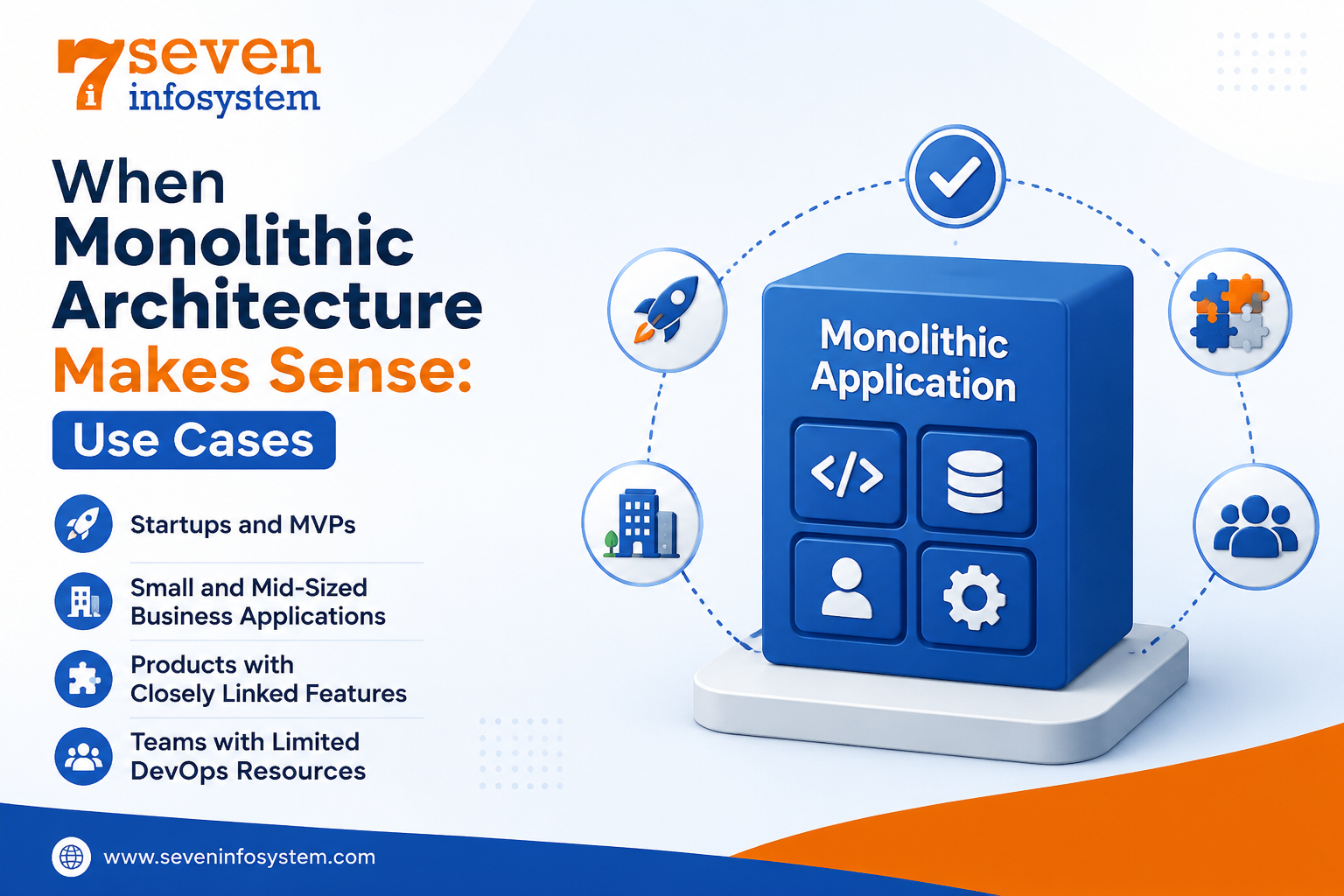
When Monolithic Architecture Makes Sense: Use Cases
There are many cases where a monolith is simply the best solution to go with.
Startups and MVPs
If you need to create an MVP, then development time and agility should be your primary concerns. A monolith allows you to deliver fast, pivot easily, and not waste weeks setting up infrastructure before getting a single customer.
Small and Mid-Sized Business Applications
Internal tools, bookings systems, CRMs, inventory solutions, management systems for schools, many online shops, and other applications can be designed as monoliths. They have stable traffic, their features are strongly coupled, and it is easier to manage a single application for a small IT team.
Products with Closely Linked Features
For example, in the case of an accounting solution, its invoices, payments, and reports use the same set of data. Separating them from each other leads to even more difficulties.
Teams with Limited DevOps Resources
Running microservices well requires container orchestration, distributed logging, tracing, and careful monitoring. If your team doesn't have dedicated DevOps engineers, a monolith keeps operations manageable.
Monolithic Architecture Examples from the Real World
There are many examples of successful products that prove the efficiency of the monolith architecture. Below you will find some of the Monolithic Architecture Examples:
Stack Overflow: The well-known platform for developers' questions and answers is famous for being based on monolithic .NET applications hosted on a small number of servers.
Basecamp: The project management platform is implemented using Ruby on Rails and is also known as "the majestic monolith."
Shopify: As noted before, Shopify decided to reorganize its large codebase into a modular monolith rather than dividing it.
Amazon Prime Video: In 2023, one of its teams told how they migrated the video quality service from the distributed system to monolithic architecture and saved 90% of infrastructure expenses.
WordPress: The worldwide content management system based on monolithic PHP applications.
Also, keep in mind that Amazon, Netflix, and Uber were initially created as monoliths. Only later, when they became too big and had more teams, did they decide to switch to microservices architecture.
Building a Scalable Monolith: Best Practices
A common myth is that a monolith cannot scale. In reality, a well-designed monolith can support a scalable software architecture for a long time. Similarly, developers building a Scalable SaaS Platform should focus on database optimization, caching, load balancing, and efficient resource management. These practical steps help:
Run multiple copies behind a load balancer: Keep the application stateless store sessions in a shared cache or database. Add more identical instances as traffic grows.
Use caching wisely: Tools like Redis or Memcached can take a large amount of load off your database by storing frequently requested data.
Optimize the database: Add proper indexes, use read replicas for heavy reporting, and review slow queries regularly.
Move slow tasks to background jobs: Send emails, make reports, process images through queues and not at user request time.
Keep boundaries clean: Even if you’re not developing a full-on modular monolith, keeping your software architecture organized in terms of modules will help make scaling and maintaining it easier.
Invest in automated testing and CI/CD: A solid test suite and an automated deployment pipeline reduce the risk of each release, even in a large codebase.
Monitor everything: Track response times, error rates, and resource usage so you can spot bottlenecks before your users notice them.
Good Application Architecture Design is less about picking the trendiest pattern and more about matching the structure to your product, team, and budget. Whatever Software Application Architecture you choose, clean code, clear ownership, and regular refactoring will matter more than the label on the diagram.
Conclusion
Monolithic architecture has been around for years and it is still a practical and dependable option in 2026. It is simple to build, easy to test, inexpensive to run and quick to launch. That makes it a solid choice for startups, small and mid-sized businesses and products where features are closely linked.
It does have its limits. As the codebase grows the team and releases can slow down. Scaling becomes harder. Modules can start to get tangled. That’s when a modular monolith can offer a middle ground.. For very large complex systems microservices might eventually be the right path.
The best strategy for teams is to start with something simple, keep the code well organized and let actual needs guide any shift, toward a more distributed design. A built monolith can take a product much farther than people often realize.
FAQs
1. What is monolithic architecture in simple words?
It's a way of building software where all features, logic, and data access live in one codebase and are deployed together as a single application.
2. Is monolithic architecture outdated?
No. It's still widely used and is often the best choice for startups, small teams, and products with closely related features.
3. What is the main difference between monolithic and microservices architecture?
A monolith runs as one unit, while microservices split the application into independent services that can be deployed and scaled separately.
4. Can a monolithic application scale?
Yes. With load balancing, caching, database optimization, and background jobs, a well-designed monolith can handle very large amounts of traffic.
5. What is a modular monolith?
It's a monolith whose code is divided into independent modules with strict boundaries, giving you monolith simplicity with cleaner, easier-to-split code.