
Why Software Performance Testing Matters Before Launch
Learn why Software Performance Testing matters before launch, including key testing types, tools, and best practices for reliable software.
Introduction
Imagine your launch day. You’ve sent the announcement email, published social media posts, and welcomed your first users. However, things suddenly go wrong. Web pages freeze, the checkout button keeps spinning, and your support inbox fills up faster than your team can respond.
In situations like this, the code might work correctly under normal conditions. However, your team may not have tested the product under real-world workloads. That’s where Software Performance Testing helps. It shows how your product performs when hundreds or thousands of users access it simultaneously. Additionally, it reveals how growing databases and unreliable network connections affect performance. Features tell users what your software can do, but performance determines whether they stay long enough to find out.
In this guide, you’ll discover what performance testing means, why it matters before release, and how teams perform it. You’ll also explore popular testing tools, practical best practices, and the role of performance testing in overall quality assurance. Whether you’re an entrepreneur, product manager, or business owner working with an external development team, this guide will help you ask the right questions and prepare your software for a successful launch.
What Is Software Performance Testing?
Software performance testing checks how fast, stable, and responsive a system remains during use. Functional tests ask, "Does this button work?" However, Software Performance Testing asks a different question: "Will the system respond quickly when 5,000 people press that button simultaneously?" In simple terms, this testing helps teams identify performance issues before they affect users.
The main goal of Software Performance Testing is to identify bottlenecks that slow down a system. For example, inefficient database queries, memory leaks, overloaded servers, poorly cached pages, and slow third-party services can all reduce performance. By identifying these issues early, teams can improve response times, strengthen system stability, and deliver a smoother user experience.
Common Types of Performance Tests
In actual fact, performance testing is a group of tests where each test answers a different question:
Load testing: checks how the system behaves when it faces the traffic that you expect on a normal busy day.
Stress testing: subjects the system to more extreme pressure until it breaks down and then observes recovery.
Spike testing: models a sudden increase in the load – a sudden promotion or popularity burst, for example.
Endurance (soak) testing: subjects the system to sustained load for an extended period of time in order to detect slow memory leaks.
Volume testing: loads the database with amounts of data to see how queries hold up. This tests if your system can still find things quickly with tons of data.
Software Scalability Testing: Software Scalability Testing measures how well a system grows as you add more users, increase data volumes, or expand server capacity.
Application Performance Testing vs Website Performance Testing
Although these two terms overlap, Application Performance Testing and Website Performance Testing focus on different aspects of performance. Application Performance Testing evaluates the entire system, including APIs, backend services, databases, and mobile or desktop clients. It also measures response times, transaction throughput, and resource usage at each layer to identify potential bottlenecks.
In contrast, Website Performance Testing focuses on the user's browser experience. For example, it measures page load times, content rendering speed, image sizes, and script performance. It also checks how well a website performs on slower mobile networks.
For modern products, you need both Application Performance Testing and Website Performance Testing. Meanwhile, Performance Testing for Web Applications connects these two approaches because web applications rely on both a user-facing front end and a powerful back end. Therefore, testing both layers helps you deliver a faster, smoother, and more reliable user experience.
Why Software Performance Testing Matters Before Launch
Adding a new feature after launching is possible at any time. Making someone return to your application due to its freezing during usage is not so easy to do. This is why the importance of software testing becomes obvious when the deadline is near. Below is listed what problems will be prevented by doing it.
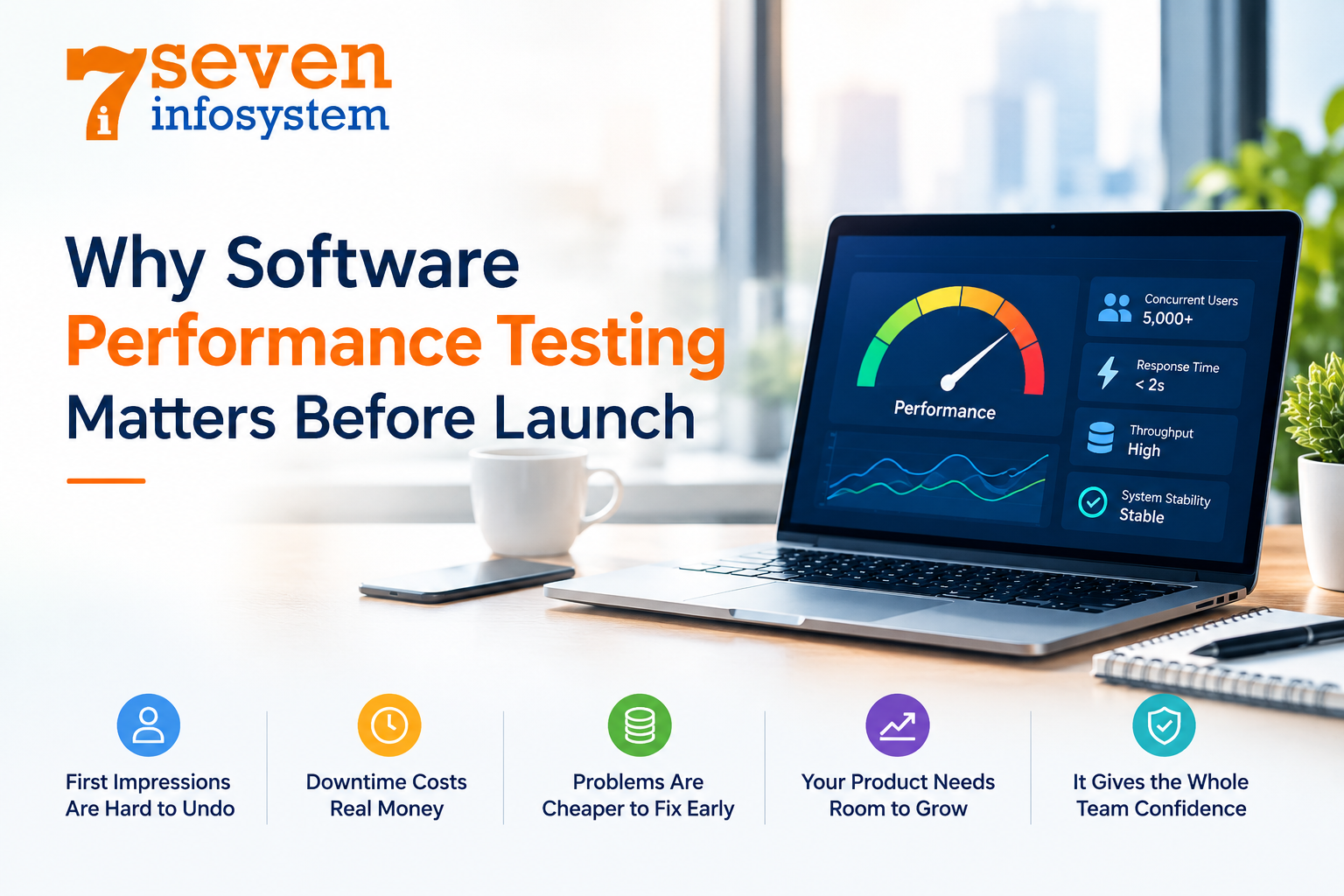
First Impressions Are Hard to Undo
Software applications can be evaluated very quickly. When a user gets a slow response from a website, loading time or even a delay in opening some forms after clicking, he just closes the window and leaves. And many of these people will never come back or will tell their friends about their bad impression.
Downtime Costs Real Money
Every second your online store, booking website or service is not working correctly leads to losing orders. In addition, periods of launching usually are the busiest ones since this is the time of active marketing. So, by doing the performance test, you can be sure of your servers capacity during the peak period.
Problems Are Cheaper to Fix Early
For example, an inefficient query discovered through testing may take an hour to correct. The same inefficiency identified on a live site would imply that urgent hotfixes should be prepared, late night support calls to developers made, and unhappy customers. Discovering performance-related problems when the source code is still recent will save time and money.
Your Product Needs Room to Grow
If your launch goes well, traffic will climb. The question is whether your system can grow with it. Performance and scalability checks show where the limits are, so you can plan for extra servers, better caching, or database changes before growth turns into a crisis.
It Gives the Whole Team Confidence
When you have hard numbers, such as "the app handles 3,000 concurrent users with an average response time, under two seconds " launch decisions stop being guesswork. Product owners, developers and stakeholders can sign off knowing what the system can and can't do.
The Software Performance Testing Process, Step by Step
Performance testing is most effective when it is considered an organized part of the Software Testing Process as a whole, and definitely not a late-night effort before going live. In the context of the Software Testing Life Cycle, performance testing normally begins after the key functionality is stabilized and continues each time changes are made to the product. The following process describes a typical Software Performance Testing Process.
1. Understand the Test Environment
Begin by specifying the hardware configuration, software configuration, network environment, and any third-party services your product requires. Additionally, ensure that the test environment closely matches the production environment. For example, testing a product on a small laptop server will rarely deliver reliable performance results for a cloud-based server cluster. Therefore, use similar hardware, software, and network conditions to identify potential performance issues before launch.
2. Set Clear Performance Goals
Decide what “good” looks like before running a single test. For example, set clear targets for response time, such as loading key pages in under two seconds, and throughput, which measures the number of requests handled per second. Also, define acceptable error rates and resource limits, including CPU and memory usage. Finally, base these targets on your business needs and expected traffic because realistic goals help you evaluate performance accurately.
3. Plan and Design Test Scenarios
Think about how actual people will use the product. What paths are most important? For a website that sells things online that could be looking around searching for items putting things in the cart and completing the purchase. Create test situations around these paths with time between actions and a good mix of different types of users.
4. Prepare the Tools and Test Data
Get your selected testing tool ready, write the code and fill the system with data. A database that has no information will always perform well. A database that has a year of purchases gives you real information.
5. Run the Tests
Execute load, stress, spike, and soak tests according to your testing plan. First, increase the load gradually so you can identify when response times begin to rise. Also, monitor server, database, and network activity throughout each test because these metrics help you pinpoint performance bottlenecks. Finally, analyze the detailed results rather than relying only on the final summary to understand how your system performs under pressure.
6. Analyze, Fix, and Retest
Compare the results with your original performance goals. For example, identify which parts of the system slow down first, where errors occur, and which resources reach their limits. Also, share the findings with developers so they can fix the problems and rerun the tests. Finally, repeat this process until the results meet your targets with enough extra capacity to handle unexpected traffic and maintain stable performance.
Popular Tools for Load and Speed Testing
There is no best option when it comes to Software Performance Testing Tools. You should choose according to your technology stack, budget, and skills of your team members. Here are several widely used tools:
Apache JMeter: free open-source tool with long experience, supporting different protocols and having a lot of users makes it a safe bet.
Gatling: a popular choice among developers who like to write their tests as code. It is able to handle high loads and generate nice reports.
k6: modern, scriptable tool using JavaScript and designed to fit CI/CD.
Locust: Python-based testing tool allowing describing user behavior using plain code and scaling the load between multiple machines.
LoadRunner: enterprise-level software, well-suited for large complex systems with many protocols.
Google Lighthouse and WebPageTest: great tools for front-end performance tests, including page speed and rendering checks and mobile optimization.
It is common practice to use both load testing tools for the back-end and browser-based tools for front-end at the same time. Together with monitoring tools, it will give you a complete picture of how your system works while it is being tested.
Best Practices That Lead to Reliable Results
Running a test is easy. Running a test that gives information requires a little more care. These Software Performance Testing Best Practices help performance achieve results:
Start Early and Test Often
Don't save performance work for the final sprint. Adding small, automated performance checks to your build pipeline helps you spot slowdowns as soon as they creep in, rather than weeks later.
Use Realistic Data and User Behavior
Real users pause, browse, abandon carts and return. Scripts should reflect that. Using production- data volumes and a believable mix of actions helps performance ensure results match what will actually happen.
Keep the Environment Close to Production
Differences in server size, configuration or network setup can make results misleading. If a perfect copy is not possible documenting the gaps helps performance consider them in conclusions.
Measure More Than Averages
Averages can be misleading. They often hide the issues that slow users face. Always check the 95th percentile numbers. These figures show how the worst experiences perform, not the typical ones.
Retest After Every Major Change
Every big change—whether it's a feature, a library update or a shift in infrastructure—can impact performance. Don’t wait. Make retesting a habit. It should be part of the process, not something you do when something goes wrong.
These habits are not stand- actions. They fit into Software Testing Best Practices. Good documentation helps everyone stay on the page. Shared ownership between developers and testers builds trust. Test results should be viewed as a team conversation, not a blame game. Everyone learns from the data.
How Performance Fits Into the Bigger Quality Picture
It takes more than just speed for a product to be launched. Strong Software Quality Assurance (QA) involves analysis of many aspects, performance being just one of them. The comprehensive release strategy generally includes some more areas.
Security Testing
A quick but insecure app that allows customers' data to leak is still a failure. Software Security Testing detects any vulnerabilities like broken login flows, exposed APIs, injection attacks, as well as bad data processing. It might sound surprising, but the two have a great deal of mutual impact. The excessive encryption or checking can slow things down, thus the need to test them together.
Compatibility Testing
Not everyone uses the same device and browser. Software Compatibility Testing guarantees that your product performs well regardless of the OS, browser, size of the display, or speed of the network. A website that loads quickly on a modern computer will have trouble loading on an outdated mobile phone using low-speed internet, and that is exactly what you need to find out before the launch.
Functional and Usability Checks
Every feature should actually work the way it’s supposed to. Users should be able to use it without needing a manual or help. Good Software Quality Assurance Testing combines checking how things work with how fast, safe and compatible they're. This gives you one clear picture of whether your software is ready to release.
Choosing the Right Testing Partner
If you don’t have a QA team inside your company working with a trusted development partner can help a lot. Pick a team that builds testing into the project from the start, shares performance reports and explains everything in easy-to-understand terms. Businesses looking for a software development company in Rajkot will find teams that offer both development and QA together. This means communication and faster fixes when problems come up.
Conclusion
A launch is when your product finally gets tested with real users. Performance testing ensures that such a test is no surprise for you. Knowing the behavior of your system under load allows you to make sure you don't ruin the first user experience and revenue as well as spare your team's nerves.
The approach doesn't need to be complicated. Set goals. Test realistic scenarios. Use tools that suit your stack. Retest whenever something changes. Together with security, compatibility and functional testing, this will help you to feel confident rather than lucky on the day of launch.
If your release date is coming up now is the time to plan your performance tests, not the week after go-live.
FAQs
1. When should performance testing start?
Ideally once core features are stable, well before launch. Small automated checks can begin even earlier during development.
2. How is performance testing different from functional testing?
Functional testing checks whether features work correctly. Performance testing checks how fast and stable they stay under real-world load.
3. Do small websites need performance testing?
Yes. Even small sites can slow down during traffic spikes, and a quick load test can reveal issues before customers do.
4. How long does a performance test take?
A basic load test can run in under an hour, while full endurance testing may take several hours or even a few days.
5. Can performance testing be automated?
Yes. Tools like JMeter, k6, and Gatling can run inside CI/CD pipelines, so every build gets a quick performance check.