How to Create a Website Using AI in 2026: A Complete Guide
Discover how to create a website using AI in 2026, from choosing an AI builder to designing pages, adding content, optimizing SEO, and publishing.
Introduction
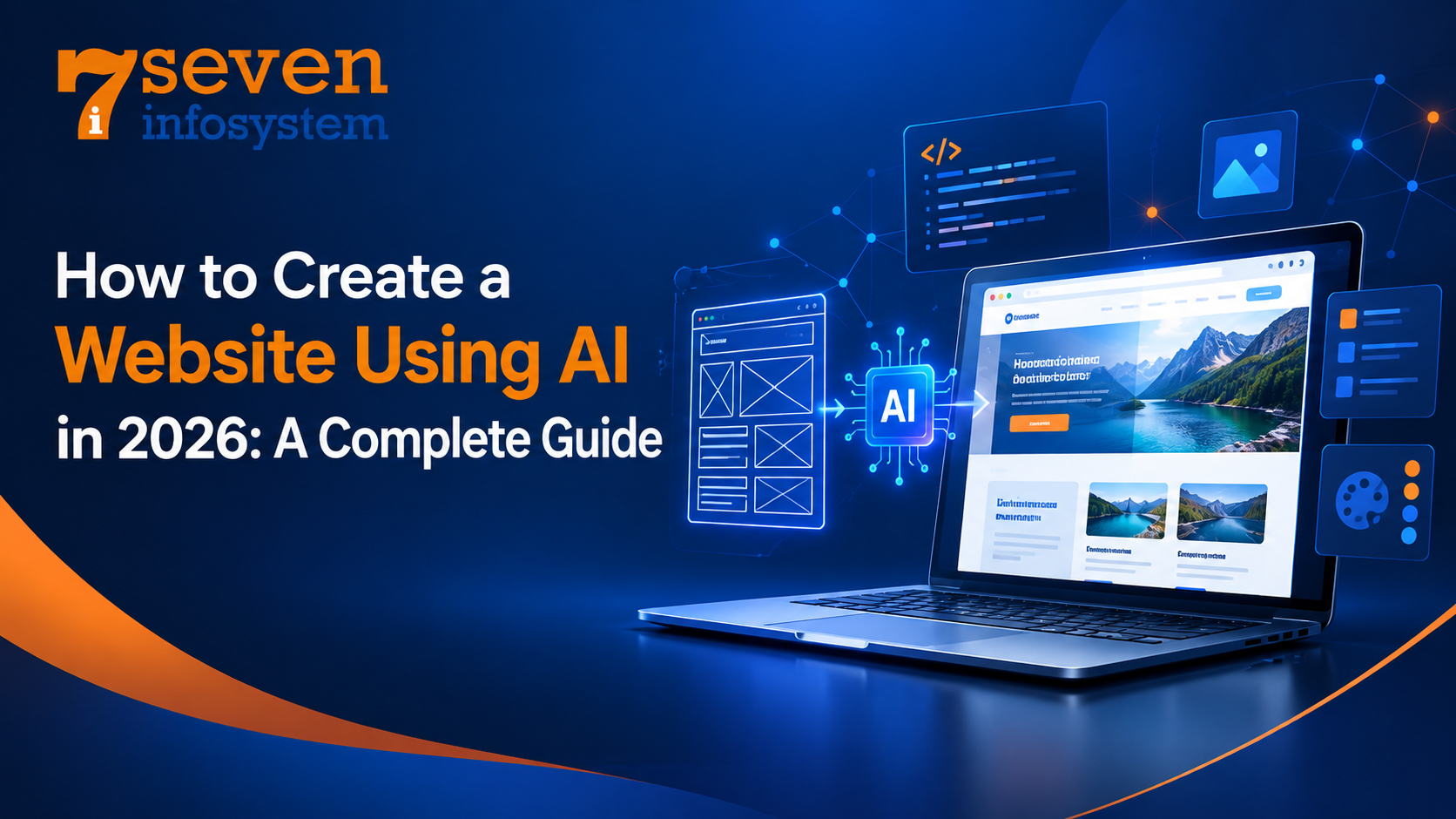
How to Create a Website Using AI is a common question for anyone who wants to build a professional website quickly and easily. In the past, website creation required programming skills, design expertise, careful planning, and considerable time. However, modern AI tools have made the process simpler and more accessible. Whether you want to launch a small business, start a blog, create a portfolio, or build an online store, AI can help you establish your online presence with minimal technical knowledge.
However, website development service is only the first step. To make your website useful and effective, you also need to provide helpful information, improve loading speed, and ensure mobile optimization. Additionally, a clear layout and user-friendly navigation help visitors find what they need.
Understanding how to create a website using AI can make the entire process more efficient. For example, AI tools can generate page layouts, write draft content, suggest design improvements, and automate repetitive tasks. However, you should always review the results carefully, verify the information, and make decisions based on your audience's needs. By combining AI-powered features with your own judgment, you can create a website that looks professional, works smoothly, and delivers a better user experience.
What Is an AI Website Builder?
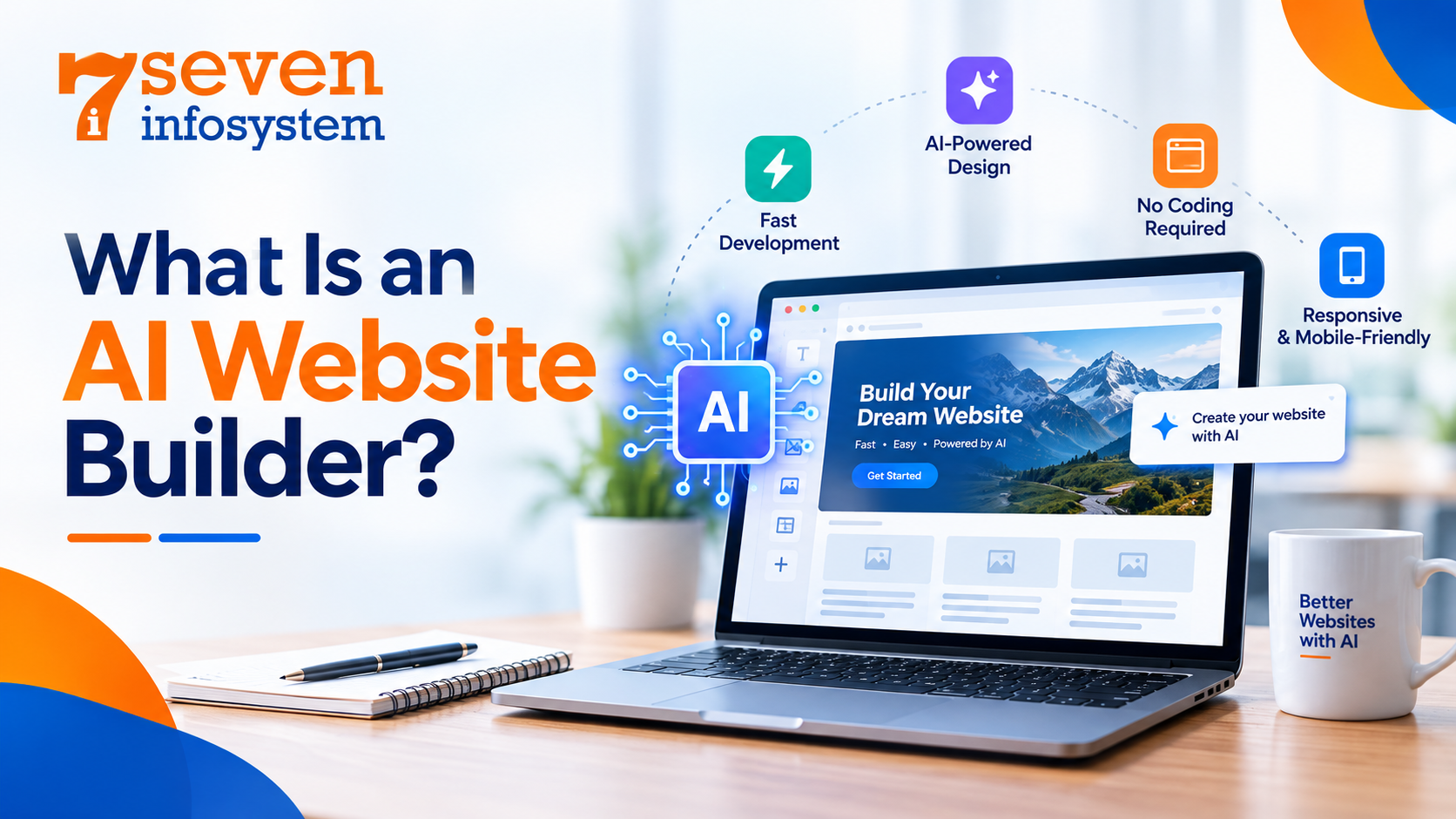
An AI website builder is a software that incorporates artificial intelligence in order to help in making and adjusting websites. Rather than having to manually design each element yourself, you can just tell the program what you need in common language and it will create a prototype or structure for the site.
This depends on how developed the particular platform is and its AI tools could range from page design, content suggestion, images, colors, navigational links and automatic designs. Some programs also offer hosting, domain integration, forms and even SEO optimization options.
As a result, the website will receive its homepage, page with tour packages, page describing the company, and contact form. AI website builder is perfect for those who do not have any experience in building websites because it helps to reduce the quantity of routine work. However, different tools differ in terms of flexibility.
AI website builders are particularly useful for beginners because they reduce the amount of manual work involved. Nevertheless, different platforms offer different levels of flexibility. A simple builder may be sufficient for a small business website, while a complex online store or web application may require additional development.
How to Create a Website Using AI: Step-by-Step Process
Creating a website becomes easier when you divide the work into manageable stages. The following steps will help you move from an initial idea to a published website.
Step 1: Define Your Website's Purpose
Before you open any AI tool take a moment to think about why you need the website and who will use it. This choice shapes everything—how the site looks and what content it has. What features it includes.
For example, a business website needs descriptions of offered services, the company information and contacts, and a contact form. A blog will require a good categorization of content and an ergonomic interface. An online store will have to be designed to allow customers to look at products, pay for them, learn about delivery, and check out.
Now list the major goal of your website. It might be contacting you, buying something, making an appointment, or reading your content. Pick one of them and make it prominent.
Also think about the questions your visitors might have before taking that action. For example someone looking for website development services might want to know your process, what services you offer and how long it takes. How much it costs.
When you share this information with AI it can create a relevant starting point. It avoids making a website that could be, for any kind of business. Instead the site fits your needs.
Step 2: Choose the Right AI Tool
Your choice of platform affects how easily you can create, manage, and expand your website. Consider your budget, technical knowledge, design requirements, and long-term plans before selecting a tool.
Some of the top tools to consider are Wix AI, Hostinger Website Builder, Framer, and WordPress with appropriate AI tools. AI coding platforms may come in handy when you want to get website code written.
In comparing different AI tools, remember to go past their capability to produce a homepage fast enough. You need to be able to change the page titles, adjust the URL, link a domain name, implement redirects, add analytics, improve images, and even move your website if required.
The best AI website builder platform will depend on your own requirements and not on a ranking. If you are building a portfolio site as a freelancer, you will have different priorities compared to a service business that might want forms, local SEO, and easy content management among others.
Step 3: Generate Your Website With a Clear Prompt
Artificial Intelligence works better when you tell it specifically what you need. Such a brief statement as “create a website” is too vague and may lead to something common and not very creative.
Instead, tell about your business, your target audience, the pages you need, the look of the site, and its functions.
For instance, you might use such a prompt:
“Create a professional website for a website development company for small businesses. The site must include such pages as Home, About, Services, Portfolio, Blog, and Contact. There must be such elements as a nice design, clean typography, responsive sections, CTAs, and a user-friendly navigation menu. There should be SEO fields, a contact form, and some real portfolio samples.”
When you get the first version of the website, check all its pages thoroughly and ask AI to modify particular parts of it instead of rebuilding it if some minor changes are needed. You may ask to make a better homepage heading, a neat navigation menu, etc.
Step 4: Customize the Design and Content
The first version made by AI is a draft. Don’t keep it as is. Swap out the text, the copy-paste messages and the random stock images. Put in content that shows what your business actually does.
Your homepage should clearly say what you offer, who you help and why someone should pick your services. Other pages need details so visitors can decide what’s right for them.
Keep your colors, fonts, spacing and buttons the same across the site. Don’t add effects just because the tool lets you. A clean simple layout is usually easier to follow than a page of moving parts and distractions.
AI website design tools can suggest layouts, create visuals, and recommend ways to improve your page structure. However, you should review every result to ensure the design remains consistent, the images match the content, and the text is easy to read. For websites with unique features or specific business requirements, custom web development can provide greater flexibility and control over the design and functionality. Also, make sure your website is accessible to all users, including people who rely on screen readers.
Step 5: Add Essential Website Features
Once the design is ready add the functionality that visitors truly need. A service website might require a contact form, click‑to‑call links, a booking system and links to social profiles.
An online store may need product filters, secure payment integration order notifications, shipping information and a clear returns policy. A blog should be provided with categories, a nice-looking layout for the article, information about the author where necessary, and related links. All these features must be tested before the launch.
All the AI-generated code and integrations should also be carefully examined since AI does not necessarily mean that everything is going to work properly.
How to Create a Website Using AI for Better SEO
Even a good-looking website may find it hard to get traffic from search engines. SEO makes it easier for search engines to interpret your websites and for people to find answers to their questions through search engines.
AI could help in doing some SEO work, but in the end, you need to develop an SEO strategy that takes into account search intent and user needs.
Step 6: Build an SEO-Friendly Website Structure
The website should be structured depending on the offered topics, services, or products. Appropriate navigation labels and additional pages should be created if the subjects require individual descriptions.
Thus, for a company working in web development, separate pages can be created for developing business websites, e-commerce, website redesigning, and maintenance services. This approach allows the visitors to find necessary information without browsing through one overloaded page.
Short and meaningful URLs, logical headings, and contextually relevant internal links must be used. Each page should serve for a certain goal and contain unique information not found on other pages.
When developing an SEO-friendly website, it is also important to review the technical settings. Proper web application development helps ensure that search engines can access important pages, canonical URLs are configured correctly, and an XML sitemap is available when appropriate. These technical elements support effective crawling and indexing, helping search engines understand your website’s structure.
Step 7: Use Keywords Naturally in Your Content
Keywords help you understand how people describe their problems and what they expect to find in search results. Start with one main topic for each important page, then identify closely related terms and questions.
For example if you’re writing a blog about building a website with intelligence you might naturally talk about website builders, website design, content creation, mobile usability and search optimization. These are all connected to your topic and fit well in the conversation.
Put your main topic in the page title, the big heading at the top, the introduction and, in parts of the page where it makes sense. Use the terms too but only when they help explain something better. Don’t force them into every paragraph just to use them.
Don’t repeat the phrase over and over. That’s called keyword stuffing. It makes your content hard to read.
AI can help you come up with article outlines, spot topics you might have missed and make complex ideas easier to explain. Always check every draft.
Step 8: Optimize Page Titles, Images, and Technical SEO
Each important page should have a unique, descriptive title and a useful meta description. These elements should accurately represent the page and give searchers a reason to visit.
Optimize images by resizing them appropriately, compressing large files, and using suitable modern formats when supported. Add descriptive alternative text to meaningful images so that their content can be understood by users who rely on assistive technology. Decorative images may need empty alternative text.
Make sure that the website is encrypted via HTTPS protocol. Important pages should not have any errors of broken links or accidental indexing disallowed. Structure data markup should only be added where the page is qualified. The structure data markup should be validated.
Google Search Console is to be linked in order to see the page indexing, user queries, impressions, and clicks. Sitemaps can help the crawlers to find pages. However, adding a sitemap does not mean indexing.
The steps are part of using AI website optimization but need to go hand in hand with useful content and good UX.
Step 9: Make the Website Fast and Mobile-Friendly
Since many users open websites on their mobile devices, your website must be mobile-friendly – all elements, including menus, forms, images, buttons, and text must be easily usable without much zooming and scrolling horizontally.
Good mobile-friendly website design starts with prioritizing the essential information. Use readable text, comfortable spacing, clear buttons, and straightforward navigation. Test important user journeys on actual mobile devices whenever possible.
Website speed also matters. Large images, unnecessary scripts, excessive animations, and poorly configured third-party tools can slow down a page.
Use Google PageSpeed Insights to check performance. Look at Core Web Vitals. Focus on how the page loads, how responsive it is and any sudden layout changes. Fix the problems that truly affect visitors by trying to get a perfect score that hurts real function.
Remember that mobile optimization and performance will enhance the experience of the users but do not necessarily lead to good ranks in search engines.
How to Make Your AI Website More User-Friendly
Step 10: Improve Navigation and Calls to Action
It needs to be clear what your website has to offer in a short time of visiting. Put an informative headline above your homepage, after which there must be a short description and a next step to take.
Use descriptive labels in menus such as “Services,” “Pricing,” “Portfolio,” and “Contact” and avoid using vague descriptions in menu items that force users to guess their contents.
Call to actions need to state what will happen next. It is better to put “Request a Quote” than just use “Click Here.” Make sure that the most important call to actions are visible, but do not fill all sections with calls to actions.
Make forms short and ask for only the necessary information. Provide explanations of required fields and error messages in case of problems.
Step 11: Review Accessibility, Trust, and Security
A website that's easy to use should work for people with different abilities, different devices and different ways of browsing. Make sure there is a difference between colors, make sure navigation can be done with a keyboard label all the fields in forms and make sure interactive parts have clear names.
Build trust by having contact information showing prices clearly when it makes sense describing services clearly and showing real examples of your work. If you share customer reviews or stories about projects make sure they are real and you have permission to use them where needed.
Security is just as important. Keep your website, any tools you use and any connections you have up to date. Use the rules for who can access things, keep private data safe and choose trusted companies, for payments if you have an online store.
Artificial intelligence can help check content and find problems but checking for accessibility and security should not depend completely on computer suggestions.
Step 12: Test and Launch Your Website
Before you put your website online look at it as if you are someone who has never seen it before. Go to every page, check how easy it is to move around, send forms, look at pictures and make sure all the buttons do what they are supposed to do.
Check the layout on desktop, tablet, and mobile screens. Review titles, meta descriptions, spelling, links, and page content. Confirm that HTTPS is enabled and that your domain points to the correct website.
Common Mistakes to Avoid When Building a Website With AI
The first error is the publication of the initial AI-generated content without its assessment. Generalized description, misinformation, and unrelated images can make the business look unreliable.
It is another mistake to focus only on the design while neglecting such important aspects as the website's usability, speed, accessibility, and optimization for search engines.
Do not publish many articles written with the help of AI just to include keywords into your content. Create useful and informative articles that will prove your knowledge and answer the questions.
Finally, avoid using unnecessary elements in your website just because you can easily generate them. The best website is a small website with everything working perfectly.
Conclusion
Learning how to build websites with the help of AI in 2026 will be beneficial for beginners, freelancers, startups, and business owners, as the process of web development will become more available thanks to AI technologies.
However a successful website needs more than automation. You need a purpose for the website, reliable information on the website, a logical structure for the website, effective SEO for the website, strong mobile usability for the website and thoughtful testing. Choosing the tools is important but understanding your audience is even more valuable.
Start with your essential pages, improve them using real user feedback, and expand your website as your needs grow. When you combine AI’s speed with careful planning and attention to detail, you can create a website that delivers value to visitors and supports your long-term online goals. For more complex requirements, professional web development services can help you enhance website functionality, improve user experience, and build a scalable online presence.
FAQs
1. Can I create a website using AI without coding?
Yes. Many AI website builders let you generate, customize, and publish websites without writing code, although advanced functionality may require technical assistance.
2. Which AI website builder is best for beginners?
The best option depends on your needs, budget, and preferred editing experience. Compare ease of use, SEO controls, mobile responsiveness, hosting, and future customization before choosing.
3. Can an AI-created website rank on Google?
Yes. AI-created websites can appear in Google Search when they meet relevant technical requirements and provide useful, original content, but rankings are never guaranteed.
4. Is AI-generated website content good for SEO?
It can be useful when carefully reviewed, fact-checked, and improved to meet visitors' needs. Publishing generic content at scale without adding value is not a reliable SEO strategy.
5. How can I make my AI website more user-friendly?
Use clear navigation, readable content, responsive layouts, fast-loading pages, accessible controls, and straightforward calls to action. Test important features on both mobile and desktop devices.